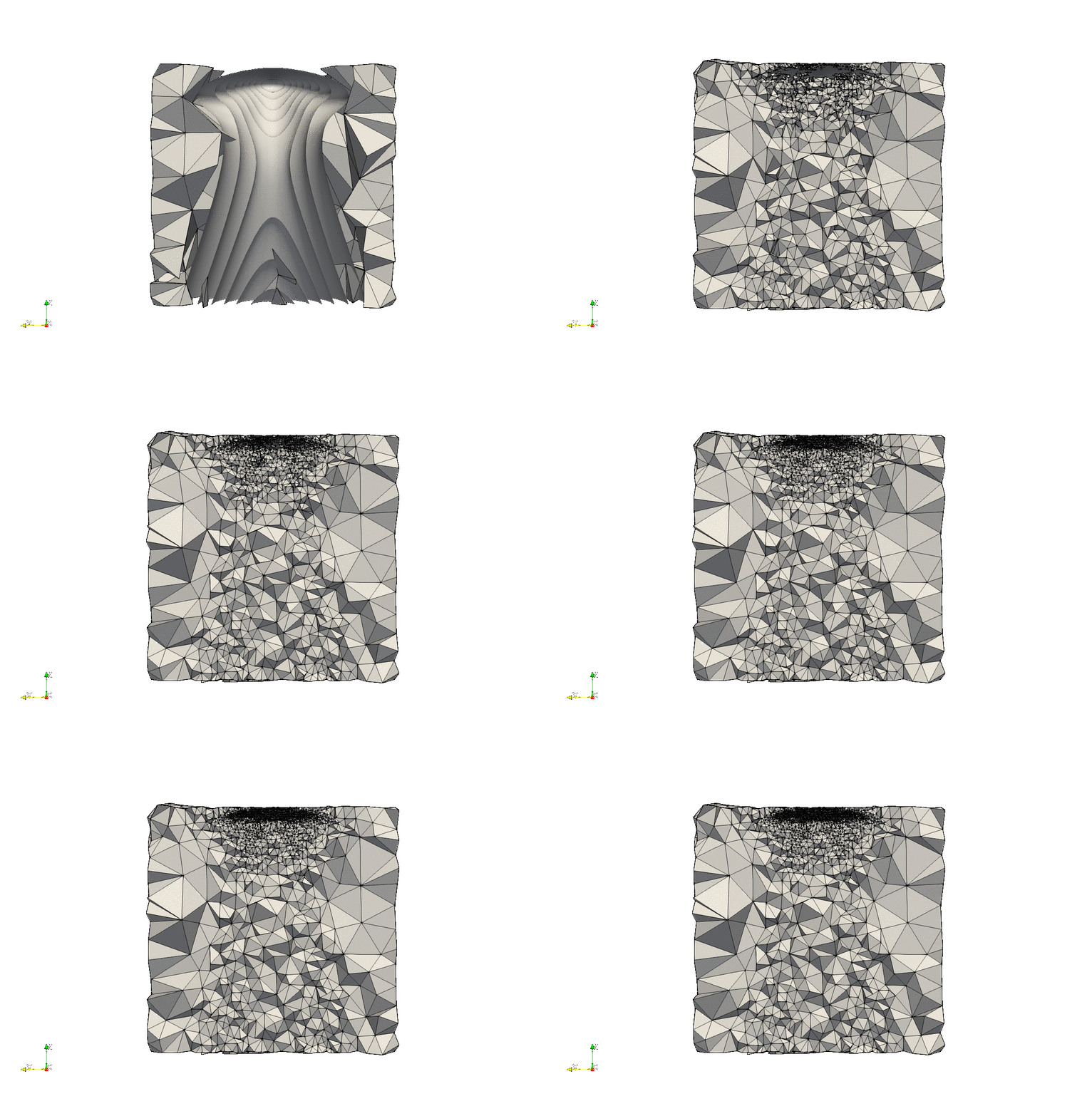
Internal:PODM 3D
Documentation
- Read PODM3D paper✔
- Read Guaranteed Quality Tetrahedral Delaunay Meshing for Medical Images paper (Sect. 9) (TODO)
- Write a proper README.md file✔
- Add the meshes of https://crtc.cs.odu.edu/CNF:Example_Meshes into the Appendix of the November Report✔
- Create Documentation of PODM 3D for Medical Image Computing and Computational Nuclear Femptography✔
Execution Examples
- Create meshes out of all the images on CNF_SHARE that are representative examples of adaptivity https://crtc.cs.odu.edu/CNF:Example_Meshes ✔
- Create meshes for the Medical Image Computing part of PODM examples https://crtc.cs.odu.edu/NRL_Example_Meshes ✔
Code Changes
- Restructure repository of PODM3D based on Software engineering standards✔
- Decouple Args from PODM✔
- Create setArguments function✔
- Create setInputImage(ImageType::Pointer)✔
- Remove IOs from PODM✔
- Implement a sizing function that will work as an extra rule and it will use the point indices of the tetrahedron
- Create UML diagrams to understand the code and the Meshing Procedure in general✔
- Create a list of functions that need to be modified to implement the extra Rule ✔
- Modify the created list (Extra Rule sizing Function list) of functions✔
- Create a test sizing function to understand if modifications have been done correctly✔
- The test sizing function is
bool checkSizingFunction(double coordinatesOfTetrahedron**)
{
    double volume = volume(coordinatesOfTetrahedron);
    double* baryCenter = baryCenter(coordinatesOfTetrahedron)

    // if x axis <= 55 and volume of tetrahedron > 10
    if (baryCenter[0] <= 55 && volume > 10)
       return true;
    else
       return false
}
- The test sizing function is
- Create the infrastructure to support Sizing Function pointer✔
- Incorporate Function Pointer to PODM by creating a setSizingFunction()✔
- Replace the test sizing function with the Adaptivity function that was created by Christos✔
- Understand that the current implementation supports negative weights✔
- Change the current implementation to use the minimum-maximum edge length of the element instead of its volume✔
- Identify an issue of checking sample points outside the image and solve it according to Christos's suggestions✔
- Separate the interface, the IOs and the filters from PODM✔
- Create a general PODM driver✔
- Set a warning if delta > min-spacing * min-dimension-size / 5✔
- Identify places in the code where δ varies with regards to background values (TODO)
- Test if multiple δ works using synthetically generated image data (TODO)
Adaptivity Results
- Podm Result of Gagic Data image with volume grading on and δ=6, minimum Volume Size = 0.5, limit = 0.1✔
- 2D (Triangle):
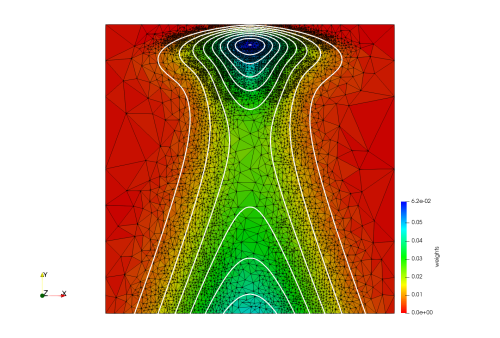 (Done by Christos)
 - 3D (PODM):
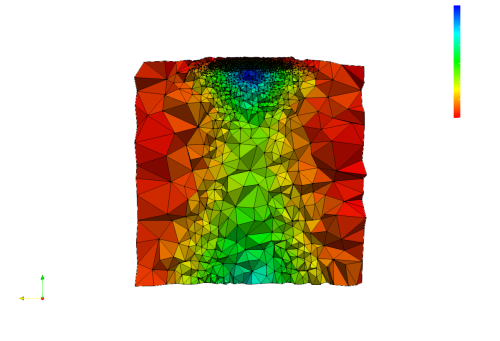 (Done with Christos)
- 2D (Triangle):
- Produce an Animated Adaptive Procedure video http://www.cs.odu.edu/crtc/videos/PODM3D.html ✔
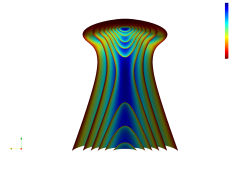 -> Input Image:
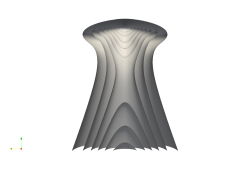 -> Image Segmentation
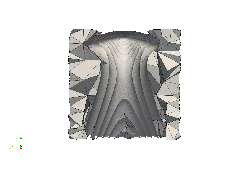 -> Meshing Procedure. This is a gif which is visible here: https://crtc.cs.odu.edu/images/8/89/AdaptiveMeshing.gif
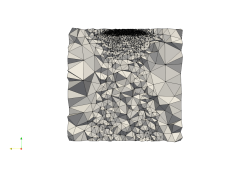 -> Adapted mesh
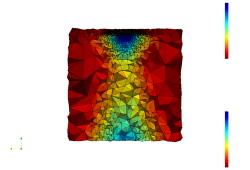 -> Linear Interpolation